Most creators and small business owners approach social media the same way: they wake up, realize they have not posted in three days, panic, publish something random, and then wonder why it did not perform.
A social media content calendar fixes that problem by replacing last-minute posting with a repeatable system. But the goal is not to build a complicated spreadsheet that takes longer to maintain than the content itself. A useful calendar should make content creation easier, faster, and more consistent.
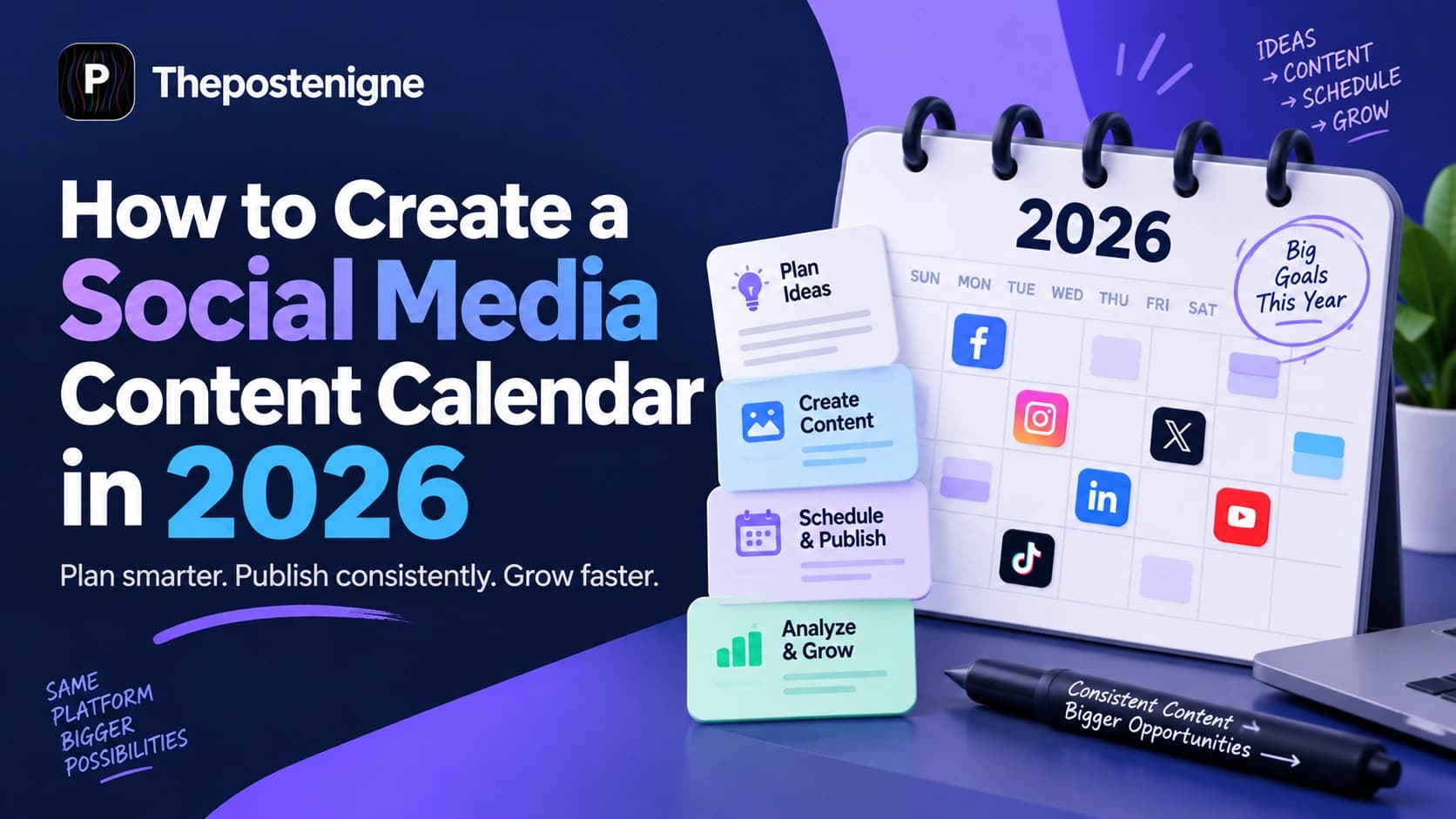
In 2026, a strong content calendar is more than a list of dates. It connects your content pillars, formats, campaign goals, creation workflow, scheduling, and performance data in one place. When it works well, you know what to create, where it should go, when it should publish, and what to improve next.
Why Most Social Media Content Calendars Fail
Traditional content calendars often fail because they are built for planning instead of execution. You can spend an hour filling in a spreadsheet, color-coding dates, and assigning themes, but if the calendar does not connect to your actual creation and publishing workflow, it quickly becomes another document you stop opening.
The most common problem is friction. If you have to jump between a spreadsheet, design tool, notes app, scheduler, analytics dashboard, and several social platforms just to publish one week of content, your calendar is creating work instead of removing it.
A useful content calendar should answer three questions immediately:
What should we post? - The topic, angle, format, hook, and content pillar.
When and where should we post it? - The platform, date, time, and campaign context.
What happens next? - Whether the post is still an idea, being created, approved, scheduled, published, or ready for review.
The best content calendar is not the one with the most columns. It is the one your team actually uses every week.
What to Include in a Social Media Content Calendar
Before building your calendar, decide which information is actually useful. You do not need dozens of fields. Start with the details that help you move a post from idea to published content without confusion.
Publish date and time
Social platform
Content pillar or campaign
Post format
Topic or working title
Hook or opening line
Caption status
Creative or asset link
Call to action
Approval status
Publishing status
Performance notes after publication
For a solo creator, this can stay simple. For a team, you may also want an owner, reviewer, deadline, campaign name, and asset folder. The key is to include only fields that help someone take action.
Step 1: Define Your Goals Before You Fill the Calendar
Do not start by choosing Monday's post. Start by deciding what your content should achieve. A calendar built without clear goals becomes a collection of disconnected posts.
Your goals might include increasing brand awareness, growing an email list, generating product interest, driving website traffic, supporting a launch, building trust, or increasing engagement with an existing audience.
Once the goal is clear, connect it to measurable signals. For example, awareness content may focus on reach and views, educational content may focus on saves and shares, and conversion-focused content may focus on clicks, leads, or purchases.
Step 2: Audit Your Content Pillars
Content pillars are the recurring themes your brand consistently talks about. They help prevent random posting and make it easier to generate new ideas without starting from zero every week.
Most brands can work effectively with three to five pillars. A fitness brand, for example, might use:
Workout tips - 40%
Nutrition education - 25%
Client transformations - 20%
Behind-the-scenes content - 10%
Offers or product promotion - 5%
The percentages do not have to be exact. Their purpose is to create balance. If every post is promotional, the audience may lose interest. If everything is educational and nothing introduces the product, the content may get attention without supporting the business.

Step 3: Match Content Formats to Each Platform
One idea can work across several platforms, but it should not always be posted in exactly the same format. Build the calendar around the way people consume content on each channel and around the formats you can realistically produce well.
Use short-form video for reach and storytelling, carousels for step-by-step education and saveable information, static posts for strong visuals or announcements, and Stories for frequent interaction, updates, polls, questions, and behind-the-scenes moments.
Use a mix of native video, image posts, community-focused updates, useful text posts, links when relevant, and live or event-based content. Facebook can be especially useful when your audience responds to discussion, local communities, groups, or longer context around a post.
YouTube
Use Shorts for quick discovery and short educational or entertaining ideas. Use long-form video when the topic needs depth, explanation, search visibility, storytelling, tutorials, interviews, or product demonstrations.
Plan visually clear vertical assets that lead users toward useful ideas, products, tutorials, guides, or landing pages. Pinterest content usually benefits from strong text hierarchy, clear topics, and evergreen value rather than only following daily trends.
Use educational posts, industry observations, original lessons, case studies, document-style posts, short videos, behind-the-scenes business content, and founder or employee perspectives. Strong LinkedIn content usually has a clear point rather than trying to sound overly corporate.
You do not need to be active on every platform. A smaller, consistent system on two or three channels is usually easier to manage than weak content spread across six platforms.
Step 4: Turn Content Pillars Into Weekly Ideas
Once your pillars are clear, turn them into repeatable weekly slots. This removes the question, 'What should I post today?'
For example, a five-post weekly structure could look like this:
Monday - Educational tip
Tuesday - Product or service use case
Wednesday - Behind-the-scenes or founder insight
Thursday - Customer story, case study, or social proof
Friday - Trend, opinion, FAQ, or community post
You can then rotate the topic inside each slot. The structure stays familiar while the ideas remain fresh. This is also useful for teams because everyone understands the role of each post before production begins.
Step 5: Plan Hooks, Captions, and Calls to Action
A calendar becomes much more useful when it stores more than a topic. Add the hook, caption direction, and call to action while the idea is still fresh.
Instead of writing only 'AI content tips,' write something more actionable such as: 'Hook: Your AI content looks generic for one simple reason. Format: 30-second Reel. CTA: Save this checklist.' That level of detail makes production faster because the creator or editor already understands the purpose of the post.
Calls to action should also match the post. Not every piece of content needs to sell. Some posts should encourage a save, comment, share, follow, profile visit, download, trial, or purchase.
Step 6: Batch Create Your Content
Creating content every day sounds flexible, but it often leads to inconsistent quality and wasted time. Batch creation is usually more efficient because you stay in the same creative mode for a focused block of time.
For a simple weekly workflow, block two to three hours and complete similar tasks together:
Write or finalize all hooks and captions for the week.
Record multiple short videos in one session.
Create or gather graphics, screenshots, product images, and supporting visuals.
Edit the videos and resize assets for the platforms you actually use.
Add final captions, links, calls to action, and hashtags where appropriate.
Move approved content into the scheduler.
Batching does not mean every post has to look the same. It simply reduces context switching, which gives you more time to improve the creative itself.

Step 7: Schedule Content in Advance
Scheduling turns your calendar from a plan into a real publishing system. Once posts are approved, schedule them in advance so publishing does not depend on someone remembering to log in at the right moment.
Avoid relying too heavily on generic 'best time to post' advice. Your own audience data is more useful. Review when followers are active, compare performance across different posting windows, and adjust over time.
If you are starting without much data, choose a few reasonable time windows and test them consistently for several weeks. Keep the content quality and format in mind when comparing results because posting time is only one factor.
Step 8: Add a Clear Content Status Workflow
A good calendar should show where every post is in the production process. This becomes especially important when more than one person is involved.
A simple status system can be:
Idea
Writing
Design or editing
Ready for review
Approved
Scheduled
Published
Needs repurposing
This prevents duplicate work and makes bottlenecks visible. If five posts are stuck in review, the problem is no longer content ideation - it is the approval process.

Step 9: Build Repurposing Into the Calendar
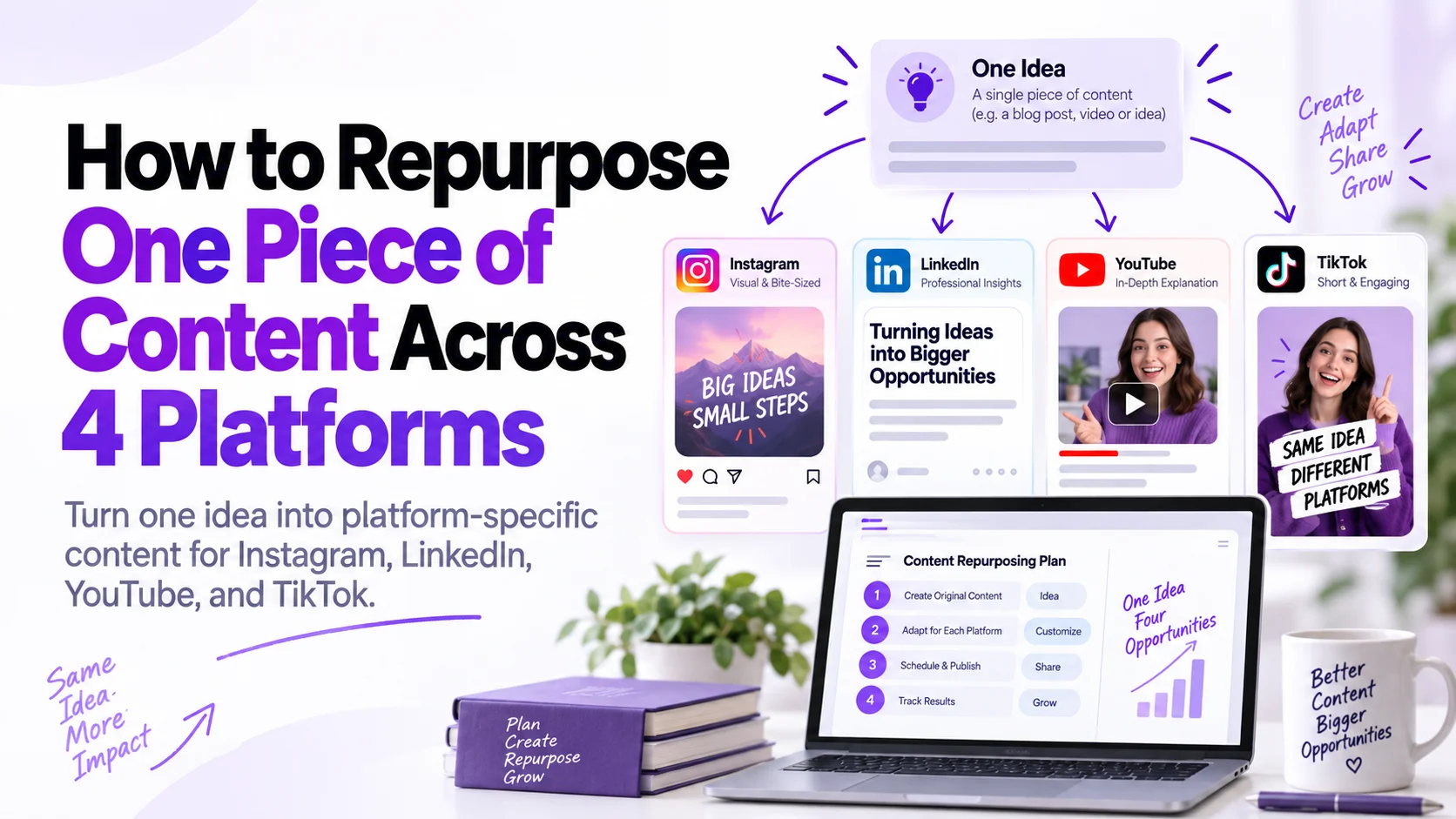
One of the easiest ways to create more consistently is to stop treating every post as a completely new idea. A strong content calendar should include repurposing from the beginning.
For example, one long-form video or article can become:
Three short-form video clips
One carousel
Two quote or insight graphics
One LinkedIn text post
Several Stories
A Pinterest graphic
A short email or newsletter section
The idea stays consistent, but the presentation changes for each platform. This helps you get more value from strong topics and makes the calendar easier to sustain.

Step 10: Review Performance Every Week
Your content calendar should evolve based on results. Set aside 15 to 30 minutes at the end of each week to review what happened.
Look beyond likes. Depending on your goals, track metrics such as reach, watch time, saves, shares, comments, profile visits, link clicks, leads, or conversions. Then compare performance by pillar, format, hook, topic, platform, and posting time.
Ask three simple questions:
What should we repeat?
What should we change?
What should we stop doing?
This turns the calendar into a feedback loop rather than a fixed schedule. The goal is not to follow the original plan perfectly. The goal is to improve the plan as you learn what your audience responds to.
A Simple Weekly Social Media Content Calendar Example
Here is a simple structure a small business or creator could use as a starting point:
Day
Format
Purpose
Example CTA
Monday
Educational Reel
Teach one useful idea
Save this post
Tuesday
Carousel
Break down a process
Share with your team
Wednesday
Behind-the-scenes
Build trust and personality
Comment with a question
Thursday
Case study or testimonial
Show proof or results
Learn more / visit link
Friday
Trend, FAQ, or opinion
Drive conversation
Follow for more
This is only a framework. If posting five times per week creates rushed or weak content, reduce the frequency. A sustainable calendar with three strong posts is better than seven low-quality posts created only to fill dates.

Common Content Calendar Mistakes to Avoid
Planning too far ahead without leaving room for trends, launches, news, or timely opportunities.
Using the same creative on every platform without adapting the format or caption.
Filling the calendar with promotional posts and not enough useful or entertaining content.
Adding too many approval steps for a small team.
Tracking vanity metrics without connecting content to business goals.
Creating a complex calendar that takes more time to maintain than the publishing workflow itself.
Never reviewing old posts to identify ideas worth repurposing or improving.
The Faster Way: Automate More of the Workflow
If the process still sounds like a lot of manual work, the next step is not necessarily to post less. It is to reduce repetitive work.
Tools like The Post Engine can help bring more of the workflow together by using brand context to support content generation, helping create on-brand post ideas and captions, organizing content, and supporting scheduling and publishing across connected channels.
The biggest advantage of a more connected workflow is that planning, creation, and publishing do not have to live in completely separate places. Instead of building a calendar in one tool and then manually recreating the same information somewhere else, you can move from idea to scheduled post with fewer steps.
Automation should not remove strategy or creative judgment. It should remove repetitive work so you can spend more time improving ideas, visuals, storytelling, and audience relevance.
-->Turn Your Content Calendar Into an Automated Publishing System
Final Takeaway
A social media content calendar is not just a schedule. It is the operating system for your content workflow.
Start with clear goals and content pillars. Choose formats that make sense for each platform. Plan hooks and calls to action before production. Batch-create whenever possible. Schedule approved posts in advance. Review performance every week and use what you learn to improve the next calendar.
The tool matters less than the system. Random posting usually produces random results. A clear, repeatable calendar gives you consistency, better visibility, and more time to focus on creating content people actually want to watch, read, save, and share.