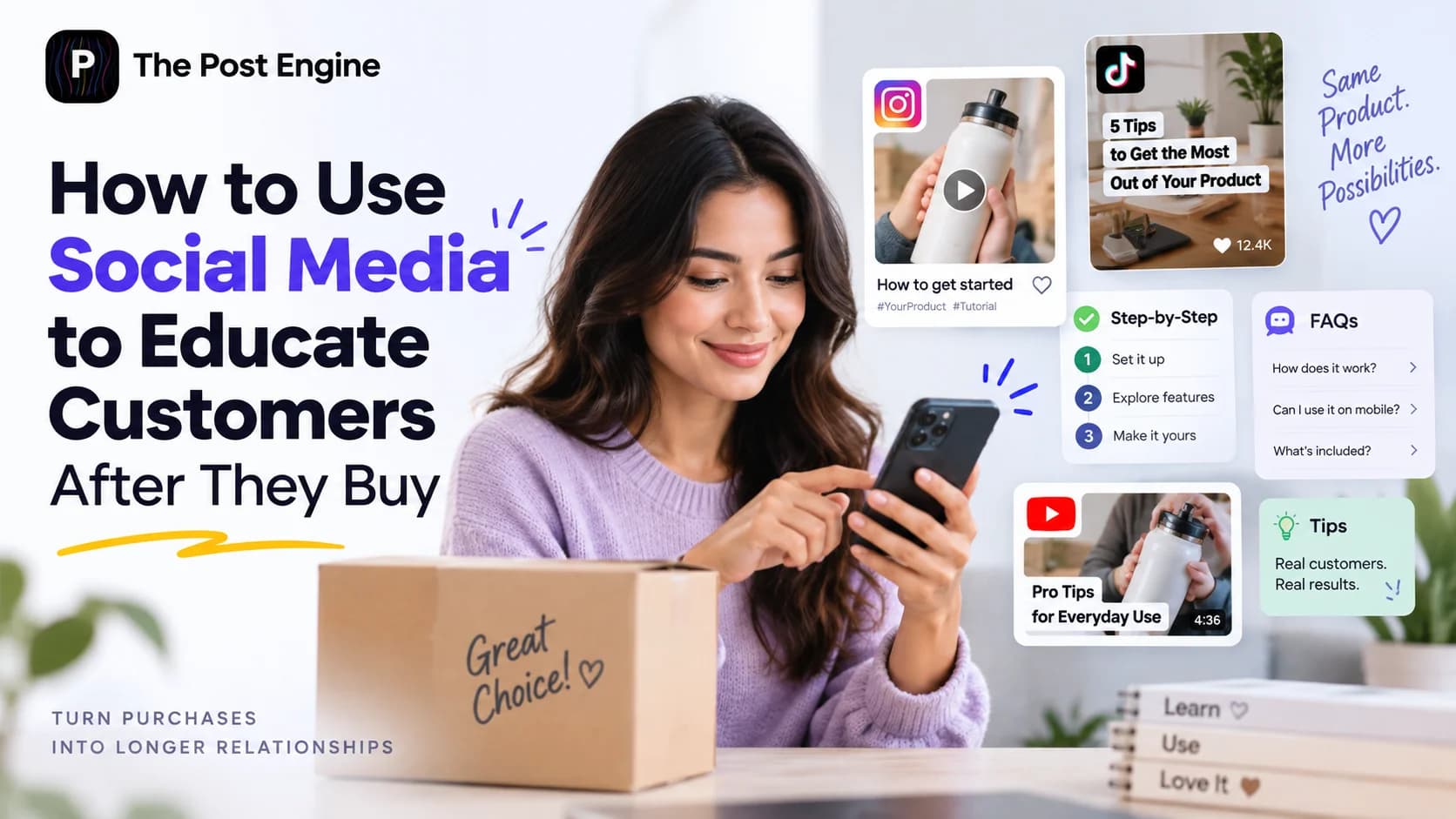
Let’s discover how to use social media to educate customers after purchase, improve product adoption, answer common questions, and help customers get more value from what they bought.
The customer journey doesn't end when someone clicks Buy.
In many cases, that's when customers start asking the most important questions:
How do I use this?
How do I get better results?
What should I try next?
This is where customer education becomes valuable.
Customer education helps people understand how to get more value from a product or service through useful information, tutorials, demonstrations, and other educational resources. Shopify's customer education guide also highlights education as a way to help customers understand products and get more value from them.
Social media can become one of the easiest places to deliver that education because customers are already using these platforms to discover information, interact with brands, and stay updated.
Instead of using social media only to convince people to buy, use it to help customers succeed after they buy.
Why Customer Education Matters After a Purchase
A purchase doesn't automatically mean a customer knows how to get the best result from what they bought.
A new customer may need help with:
Getting started
Understanding features
Avoiding common mistakes
Choosing the right settings
Finding advanced use cases
Solving common problems
Without that guidance, customers may use only a small part of the product's potential.
Customer education can help close that gap.
For example, an e-commerce brand selling fitness equipment could publish:
“How to Set Up Your New Equipment”
followed by:
“3 Common Beginner Mistakes”
and later:
“5 Ways to Get More From Your Equipment”
The content doesn't need to sell something every time.
Its job is to help the customer use what they already bought successfully.
What Customers Need to Learn After Buying
Not every customer needs the same information at the same time.
Think about education as a progression.
Getting Started
Help customers understand the first steps.
Basic Usage
Show them how to use the core features or product correctly.
Problem Solving
Answer common questions and explain how to avoid mistakes.
Better Results
Share tips that help customers improve their results.
Advanced Usage
Introduce more advanced features, workflows, or use cases.
What's Next
Show customers related products, new features, or new ways to use what they already own.
This creates a simple education path:
Start → Use → Improve → Explore
6 Types of Post-Purchase Educational Content
Your customer education doesn't need to be complicated.
1. Getting-Started Guides
Explain the first steps after purchase.
“What to Do During Your First Week”
2. Tutorials
Show customers how to complete a specific task.
“How to Set Up Your Product in 5 Minutes”
3. Common Mistakes
Help customers avoid problems.
“3 Mistakes New Users Should Avoid”
4. Tips and Best Practices
Give customers practical ways to improve their results.
“5 Ways to Get More From Your Product”
5. Advanced Use Cases
Help experienced customers discover something new.
“3 Features You Might Not Be Using”
6. FAQs
Answer recurring questions in a simple format.
“Can I Use This With My Existing Setup?”
The best format depends on the question.
A complex tutorial may work as a carousel or video, while a simple question may only need a short post.
IMAGE 2 — EDUCATIONAL CONTENT
Turn Customer Problems Into Educational Posts
One of the easiest ways to find education topics is to listen to your customers.
Look at:
Support messages
Product reviews
Comments
DMs
Sales questions
Frequently asked questions
Suppose customers repeatedly ask:
“Why am I not getting the expected results?”
Don't just answer each person individually.
Turn the problem into content:
Post:“5 Reasons You're Not Getting the Results You Expected”
Carousel:“Check These 5 Things Before You Give Up”
Video:“Making This Mistake? Here's Why Your Results Are Different”
FAQ:“Why aren't I seeing results yet?”
This turns customer support signals into useful educational content.
It also means your content strategy can evolve based on what customers actually struggle with.
Create a Simple Post-Purchase Education System
Instead of creating educational posts randomly, build a simple system.
Start with the most important questions customers have immediately after buying.
Then create content for each stage:
Week 1: Getting started
Week 2: Basic usage
Week 3: Common mistakes
Week 4: Better results
Ongoing: Advanced tips, new use cases, and updates
You don't need to publish this exact sequence for every business.
The important idea is to create an ongoing education path.
Recent Shopify guidance on post-purchase communication similarly emphasizes giving customers useful reasons to stay connected after buying, including product updates and educational communication. Read Shopify's post-purchase communication examples
Use AI to Create Customer Education Content
Once you know what customers need to learn, AI can speed up production.
Give AI a real customer problem such as:
“Customers don't understand how to use this feature.”
Then ask it to create:
A carousel outline
A short-video script
A beginner-friendly explanation
A social media caption
Several hooks
FAQ variations
The important part is the source of the idea.
Don't ask AI to invent random educational topics.
Start with a real customer need.
Then use AI to turn that need into different content formats.
This gives you:
Customer problem → Educational angle → Content format → AI-assisted creation
Connect Customer Education With Retention
Customer education is not the same as customer retention.
But it can support it.
When customers understand your product and get better results, they have a stronger reason to stay with your brand.
The relationship can become:
Purchase → Education → Better experience → More value → Retention
This is why educational content should not disappear after the first few weeks.
As customers become more experienced, introduce new use cases, advanced tips, product updates, and related solutions.
For a broader retention framework, see [How to Build a Social Media Customer Retention Strategy].
Build the Workflow With The Post Engine
Once you know what customers need to learn, you still need to turn those ideas into consistent social media content.
That's where The Post Engine fits into the production side.
For example:
Customer problem:“I don't know how to use this feature.”
↓
Education idea:“How to Use This Feature in 3 Steps”
↓
Create:Post, carousel, visual, or video
↓
Publish:Share across your social channels
↓
Measure:See which educational topics perform best
The Post Engine can help you create on-brand content, publish it across connected platforms, and use analytics to understand what is working. Its AI Content Studio is designed to create posts and other content from your brand context rather than starting from a generic prompt.
IMAGE 3 — CUSTOMER EDUCATION LOOP
Frequently Asked Questions
What is customer education?
Customer education is the process of helping customers understand how to use a product or service and get more value from it.
Why use social media for customer education?
Social media gives brands a familiar place to share tutorials, tips, FAQs, product updates, and demonstrations.
What should I post after a customer buys?
Start with getting-started content, basic tutorials, common mistakes, FAQs, and tips that help customers achieve their first successful result.
Should every educational post promote a product?
No. The primary goal should be helping the customer. Product recommendations can be included when they are genuinely relevant.
Can AI create customer education content?
Yes. AI can help turn real customer problems into hooks, scripts, captions, carousels, and other formats. Human review is still important to make sure the information is accurate and appropriate for your customers.
Final Takeaway
A customer's purchase should be the beginning of the relationship, not the end.
Use social media to help customers:
Start → Learn → Improve → Succeed
Create tutorials.
Answer recurring questions.
Explain useful features.
Show better ways to use the product.
Share advanced ideas as customers become more experienced.
When customers understand how to get more value from what they bought, your brand becomes more useful to them.
And useful brands are easier to remember, trust, and return to.
Don't stop educating your customers when they buy. That's when the learning can really begin.