Learn how to batch a month of social media content in one day using content pillars, AI, reusable formats and scheduling with The Post Engine.
Creating social media content every day sounds manageable—until you also have a business to run.
You have to decide what to post, write the caption, create the visual, adapt it for different platforms, and then remember to publish it.
A better approach is content batching: plan and create multiple posts in one focused session instead of starting from zero every day.
Current 2026 content-batching guides consistently recommend grouping ideation, creation, and scheduling into dedicated blocks to reduce context switching and make consistency easier.
1. Plan Your Month Before You Create
Don't start with captions.
Start with your content pillars.
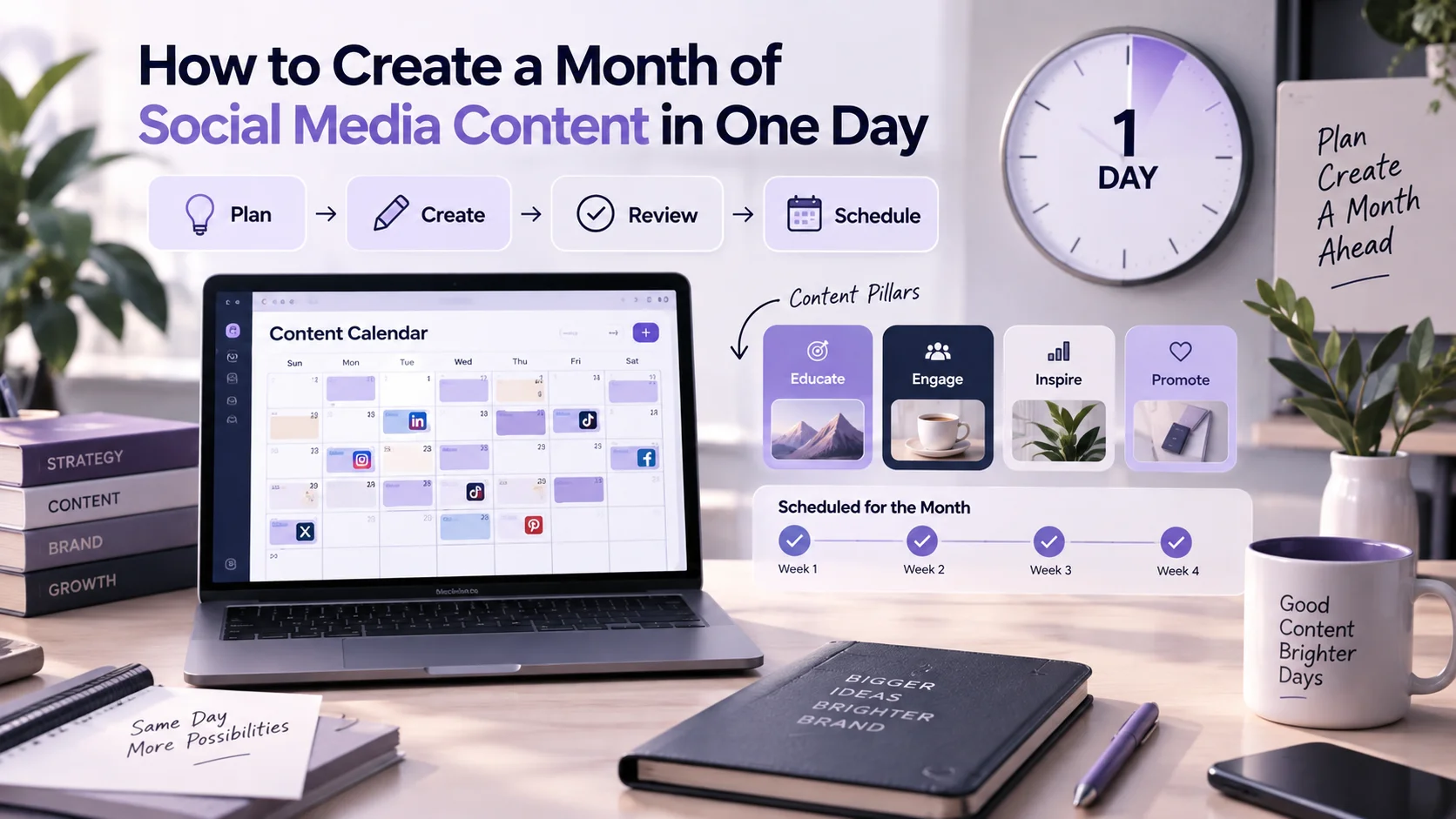
Choose 3–5 themes that your audience should regularly see from your brand.
Education
Product
Social proof
Engagement
Promotion
Then distribute those pillars across the month.
Example monthly mix
For 20 posts: 5 educational + 5 product + 4 social proof + 3 engagement + 3 promotional.
Now you have a content plan instead of 20 empty publishing slots.
For a deeper planning framework, see How to Create a Social Media Content Calendar in 2026. The Post Engine's current blog describes this guide as a framework for planning, batching, and scheduling a month of content in one sitting.
2. Generate Your Content Ideas
Now fill the calendar.
Use ideas from:
Customer questions
Product features
FAQs
Seasonal topics
Existing content
Previous high-performing posts
Competitor gaps
AI can speed up ideation, but don't ask it for 30 random posts.
Give it your content pillars and ask for ideas within each category.
Example
Education: 5 beginner tips
Product: 5 product-focused posts
Social proof: 4 customer-story ideas
That gives you variety while keeping the month focused.
You can also use AI social media tools to speed up ideation and content creation. The Post Engine currently features an AI-tools guide in its blog covering tools and workflows for social content creation.
3. Create Content in Batches
Once the ideas are ready, group similar tasks together.
Instead of
Caption → Design → Video → Caption → Design → Video
Batch by task
Write captions → Create visuals → Create videos/UGC → Review
This reduces context switching and makes it easier to maintain consistency.
The Post Engine's Posts workspace already separates content into Written Content, Thumbnails, and UGC Videos, alongside Queue, Published, Drafts, and other workflow stages.
Inside The Post Engine, your monthly workflow can move from Posts → Studio → UGC without treating every asset as a separate project.

Don't Create Every Post From Scratch
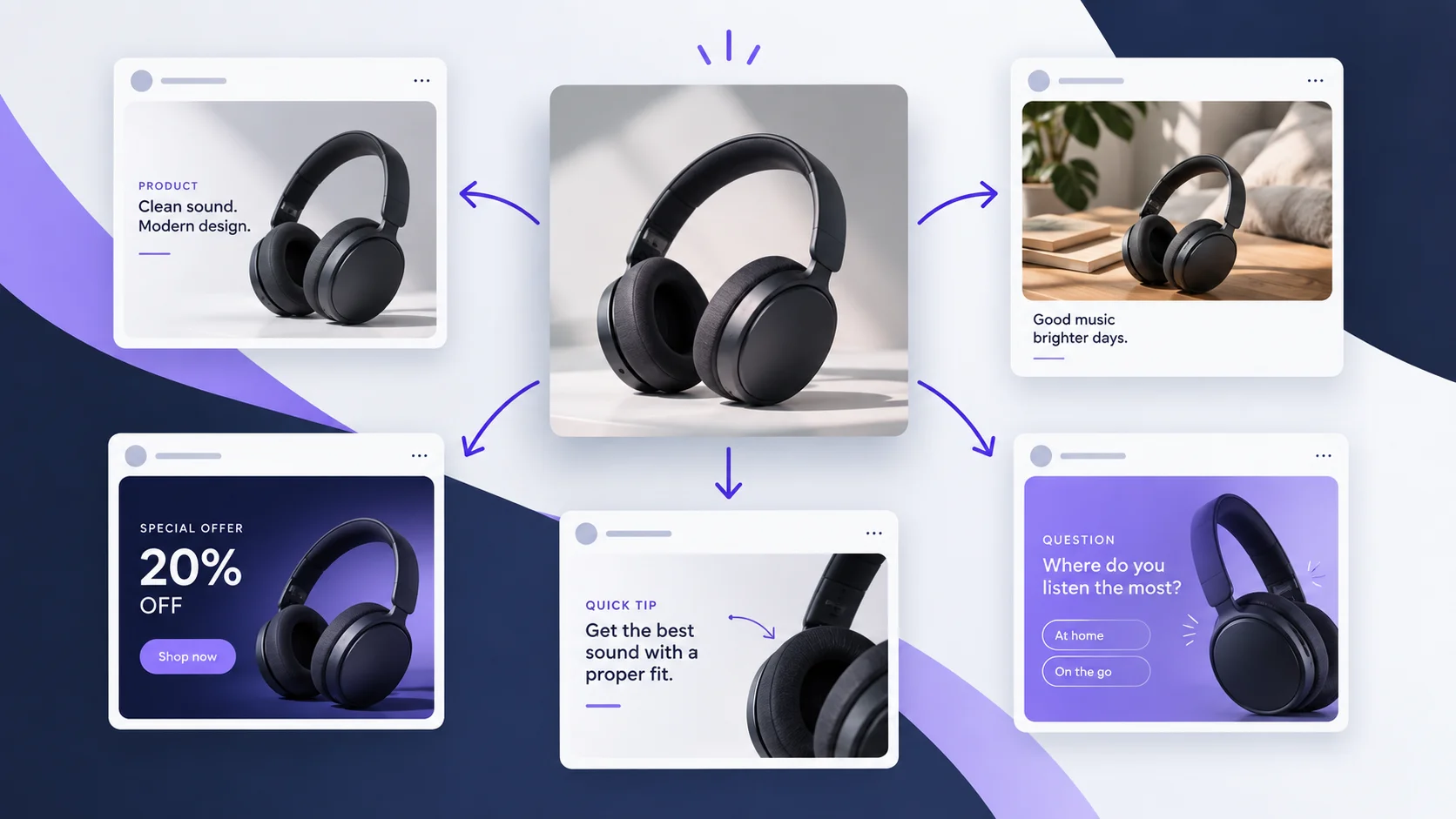
One strong idea can become several pieces of content.
Example repurposing path
One product tutorial → Instagram carousel → Reel → LinkedIn post → Pinterest graphic
That is content repurposing, not duplicate content.
You can learn more in The Post Engine's content repurposing guide.
4. Review Before Scheduling
Batching saves time, but don't let speed reduce quality.
Before scheduling each post, check:
Brand voice — Does it sound like your brand?
Accuracy — Are the facts and product details correct?
Hook — Does the first line create enough interest?
Visual — Does the creative support the message?
CTA — Is the next action clear?
Platform fit — Does the content make sense for the channel?
This is especially important when AI is involved. The Post Engine's terms make clear that users remain responsible for reviewing generated content before publishing.
The goal is simple
Automate repetitive work, not judgment.
5. Schedule the Month
Once the content is approved, move it into your publishing schedule.
Set:
Platform
Date
Time
Caption
Hashtags
Creative
The Post Engine's publishing interface lets you choose publishing destinations, edit the caption, add hashtags, choose the date and time, and then Save, Post Now, or Schedule.
This is where batching pays off.
The shift
Instead of logging in every morning and asking “What should I post today?”, you already have the month's content organized.

6. A One-Day Content Schedule
A practical batching day could look like this:

You don't need to follow these exact times.
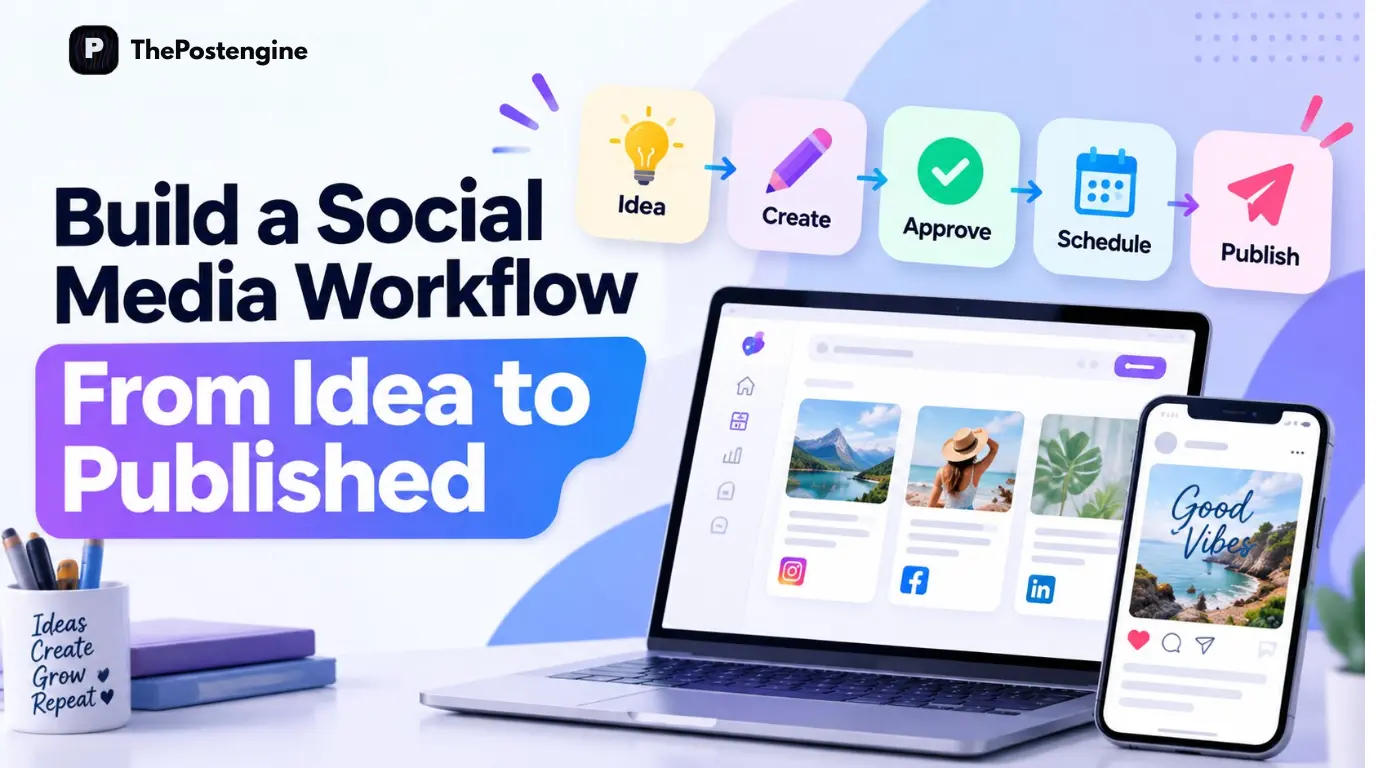
The principle is what matters: Plan → Create → Review → Schedule
Don't Batch Random Content
The goal isn't:
30 posts in one day.
The goal is:
30 useful posts that belong to one strategy.
A good monthly batch should have:
Clear content pillars
Different formats
Platform-specific variations
Strong calls to action
A consistent brand voice
Enough variety to avoid repetition
Once the month is prepared, you can spend more time engaging with your audience, improving your products, and analyzing performance instead of constantly creating from scratch.
7. Create Your Monthly Content With The Post Engine
The Post Engine is designed to connect the steps that usually require several tools.
Posts — organize your content.
Studio — create content and creative assets.
UGC — develop UGC-style content.
Brands — keep your content aligned with your brand.
Competitors — find content opportunities.
Auto Publishing — schedule and publish your approved content.
The current Post Engine homepage describes the platform as an all-in-one engine to plan, create, publish, and beat competitors, with Brand DNA, Competitor Intelligence, AI Content Studio, Auto Publishing, Cross-Platform Publishing, and Analytics working together.
The product currently supports publishing and scheduling across multiple connected accounts, while the Posts interface provides separate areas for drafts, written content, thumbnails, and UGC videos.
The One-Day Formula
Before you finish your batching day, make sure you have:
1. A monthly content plan
2. 3–5 content pillars
3. All major ideas prepared
4. Captions and hooks created
5. Visuals and videos produced
6. Everything reviewed
7. The content scheduled
That's it.
You don't need to spend every morning creating content. You need a system that lets you create once and stay consistent all month.
Plan your month. Create in batches. Schedule ahead.